

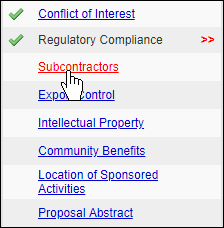
After completing the Regulatory Compliance section of your proposal, you will be prompted to complete the Subcontractors section.
No Subcontractors
If you have no subcontractors to include as a part of your proposal, click  at the bottom of the page.
Adding Subcontractors
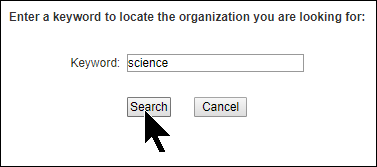
- If subcontractors are included as part of your proposal, click the magnifying glass and search for the Sponsor you wish to add as a subcontractor.
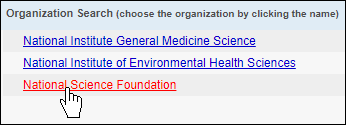
- Click on the Sponsor name to add them as a subcontractor.
- Click
 .
. - When you have added all of your subcontractors, click
 .
.
Removing Subcontractors
After subcontractors have been added, they may be removed individually by clicking Remove next to their name.

If you previously selected No Subcontractors and now need to add one, or have selected many subcontractors and need to remove all of them, click  .
.
Attachments
After adding subcontractors, you should upload the following documents to the Attachments section of the proposal:
- Statement of Work
- Budget
- Budget Justification
- Outgoing Subcontract Commitment Letter (signed)
- The negotiated Indirect Cost Rate Agreement
- Representations and Certifications