
Prior to modifying an award or subaward, you will need to create modification reasons that you will be required to choose from during the modification process.
Adding Modification Reasons
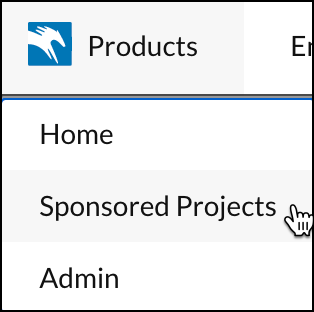
- Click on Products, then click on Sponsored Projects.
- Click on More, then click on Manage Modifications.
-
This page has separate tables for Award Modification reasons and Subaward Modification reasons. Click Add New Reason in one of the desired tables.
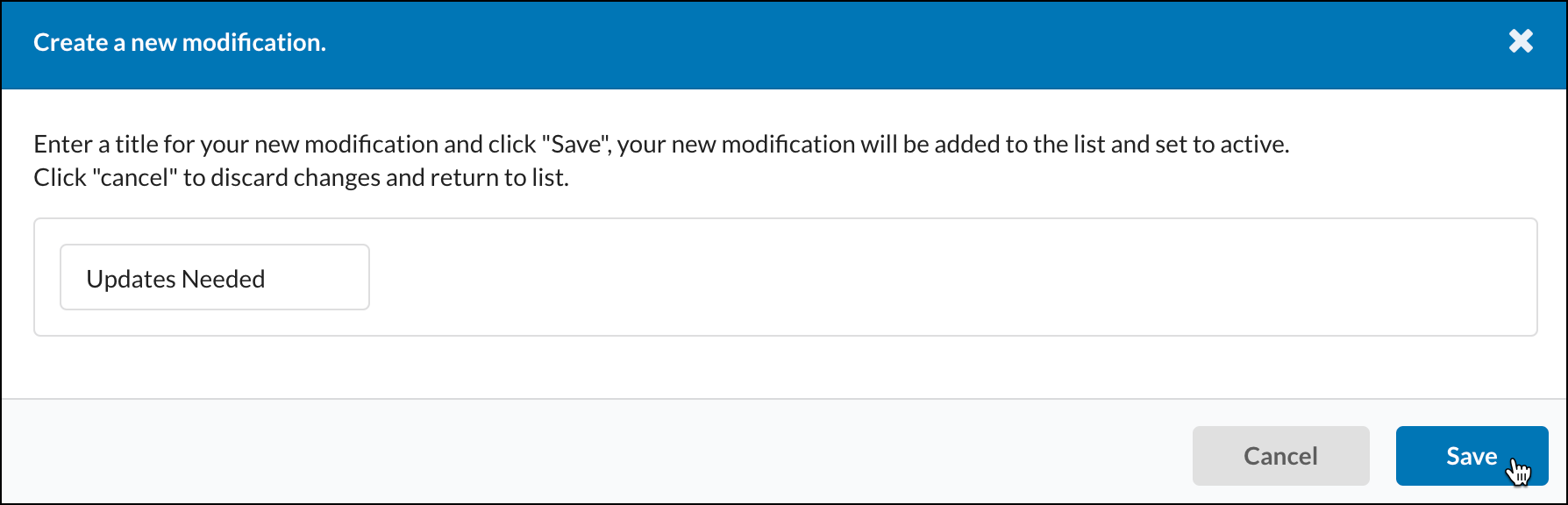
- Enter the modification reason, then click Save.
Inactivating Modification Reasons
If a modification reason is no longer needed, toggle the button from 'Active' to 'Inactive'. The changes will be immediately applied and automatically saved.