
SP Classic can be paired with Proposals (S2S) by users during the proposal creation process. Once a proposal has been submitted, only administrators with edit proposal access can edit the proposal via the project dashboard.
Please note: Read-only admins can see the pairing functions, but cannot modify the pairing unless they're names on the proposal. Proposals (S2S) Pre-Award admins with access to all proposals will be able to see and modify SP-Proposals (S2S) proposal pairings.
Pairing Proposals for Administrators
- Find the proposal by searching for it.
- Beneath the General tab, click on the proposal status.
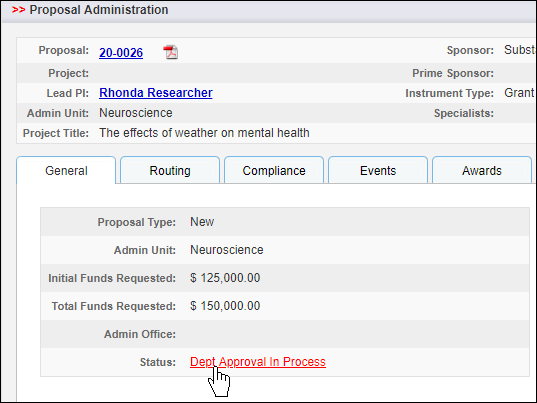
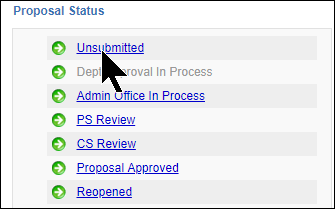
- Change the proposal status to Unsubmitted by clicking on it.
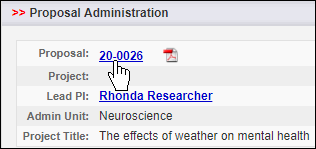
- Click on the proposal number, and follow the steps to pair the proposal.
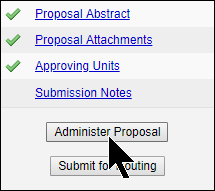
- Click on Administer Proposal.
- Click on the Status to change the proposal back to the appropriate status.