
Patent records are created within an associated Technology record. All patents should be related to one primary technology, however, can be related to unlimited secondary technologies. More than one primary relationship will result in data being multiplied.
Creating a Patent Record
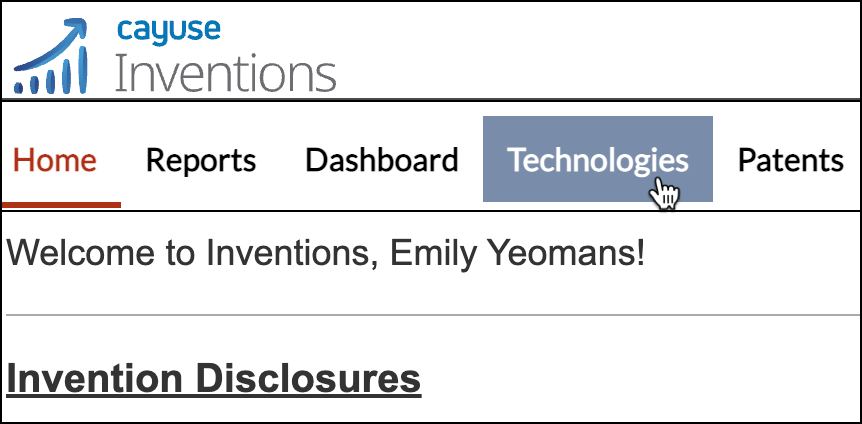
- To create a patent record, click on the Technologies tab in the navigation header.
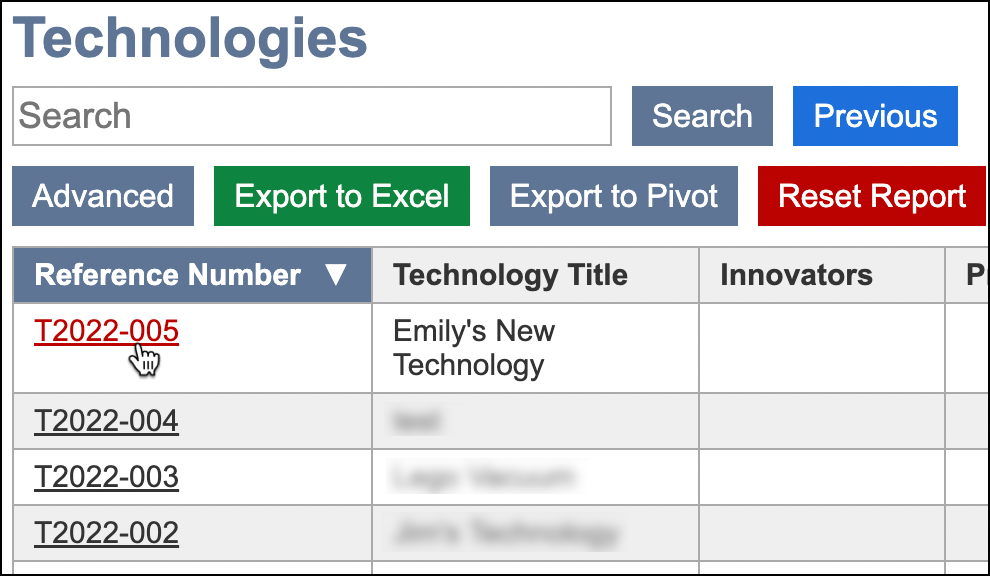
- Click on a Technology record.
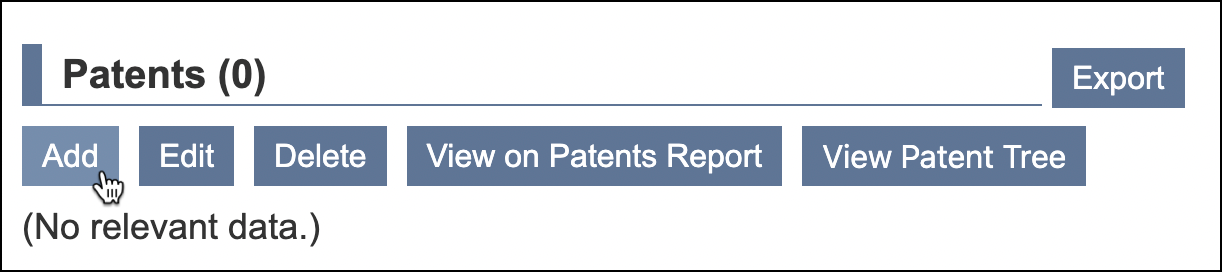
- Scroll down to the Patents section within the record. Click Add.
- Complete the required fields in red, and any other optional fields desired.
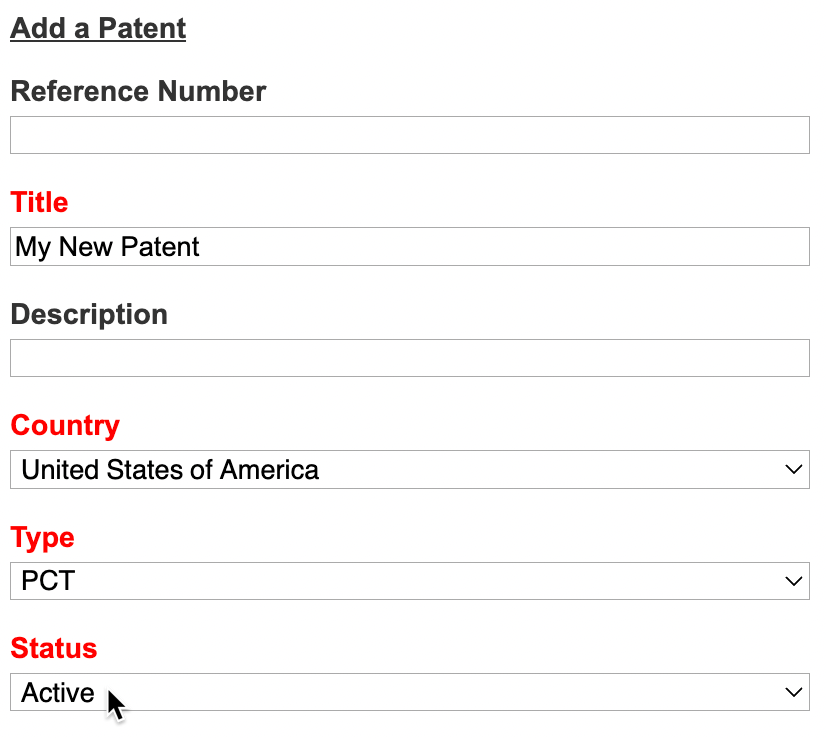
- Required fields include: Title, Country, Type, *Status Export to CPI?, and Entity Size
- *Regarding Export to CPI, if an annuity service provider is used to handle annuity payments and there is a need to have that data exported to the third party, select on Yes, Export to CPI.
- Click Ok.

Viewing the Patent Record
The associated patent can now be viewed under Patents in the IP section within the record.

Click on the Patent Ref. # to view and/or edit the details.