Admins and Analysts have the ability to create reports within Human Ethics. These downloadable reports can be customized by both field and filter.
- In the menu, click on Reporting.
- Click on New Report in the top right corner.
- Give your report a name, add fields and filters to your report, and click Save.
Report Fields
Reporting Fields are broken into two categories:
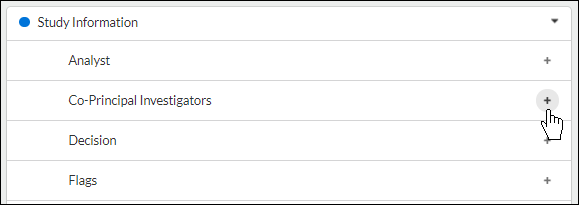
- Study Information: Contains fields relevant to study data, such as Analysts, Primary Contacts, and Submission Dates.
- Audit Information: Contains fields relevant to audit data, such as Time Under Review and Time with Approvers. Audit time units are in days and rounded to the nearest 1/10th of a day.
A reporting field can be added to your report by clicking the + next to each field. A field can be moved or removed by clicking the ... menu to the right of each added field.
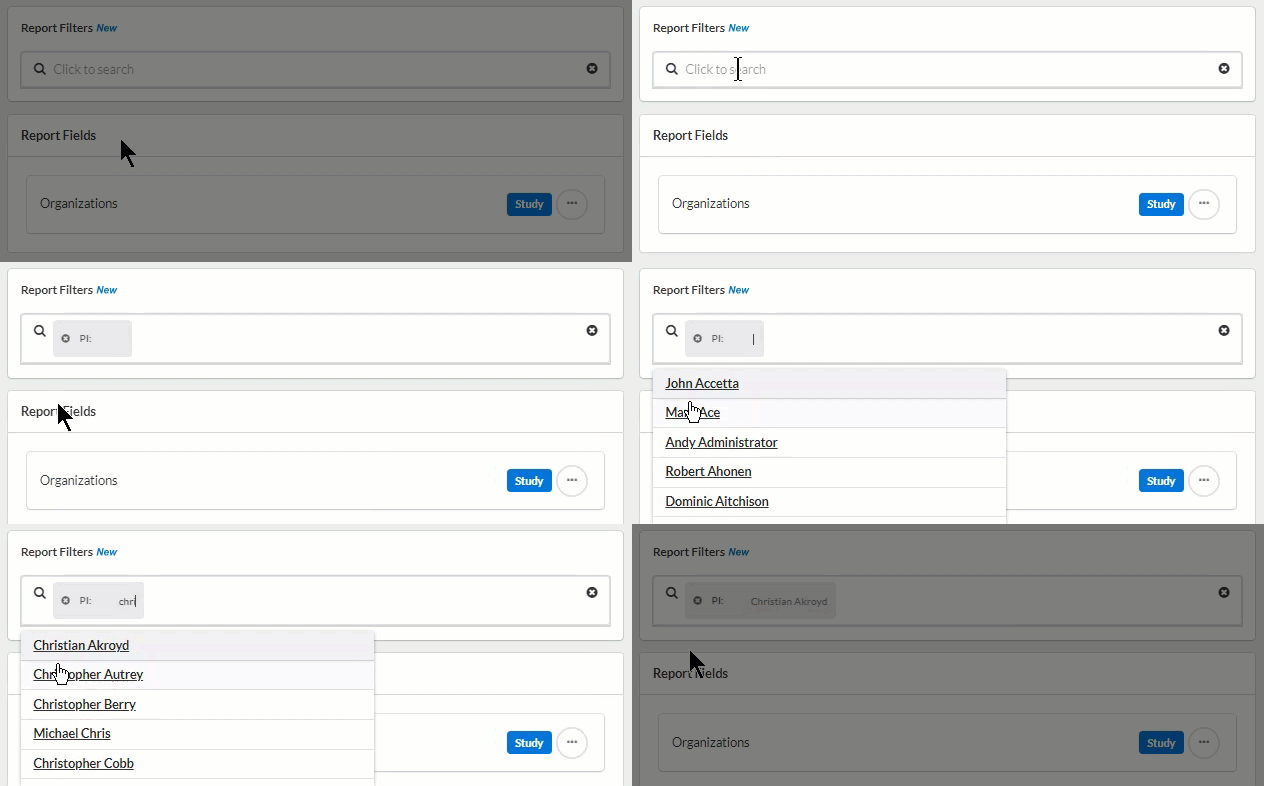
Report Filters
While fields broaden the data on your report, filters narrow it.
To add a report filter, click into the Report Filter search box and click on a report filter. You can then search within the specific filter to add a name, date, or type. You can add as many filters as you wish.