
Inventions offers an integration with Sponsored Projects. This integration gives you the ability to associate and cross-reference any funding sources for technology records and invention disclosures. The integration also associates the requisite data required for Technology, Patent, and Usage reporting to iEdison, eliminating the need to search for data. In addition, it provides the licensing team with accurate and reliable data about sources of funding and encumbrances on the intellectual property related to sponsorship.
How it Works
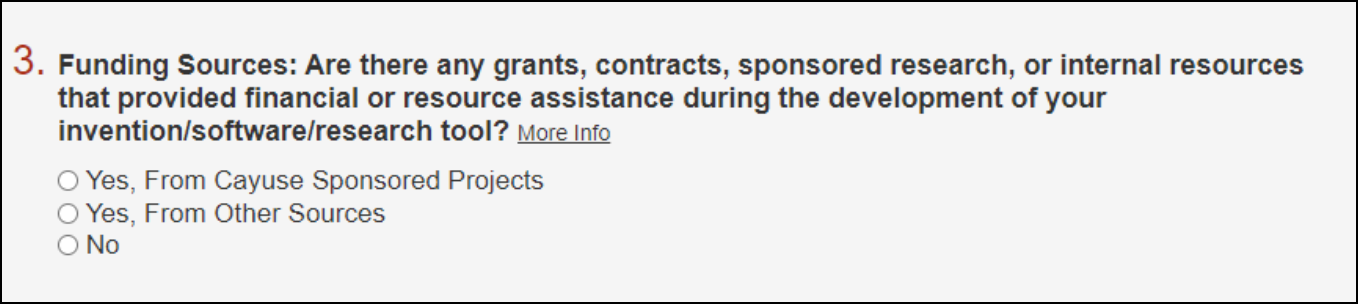
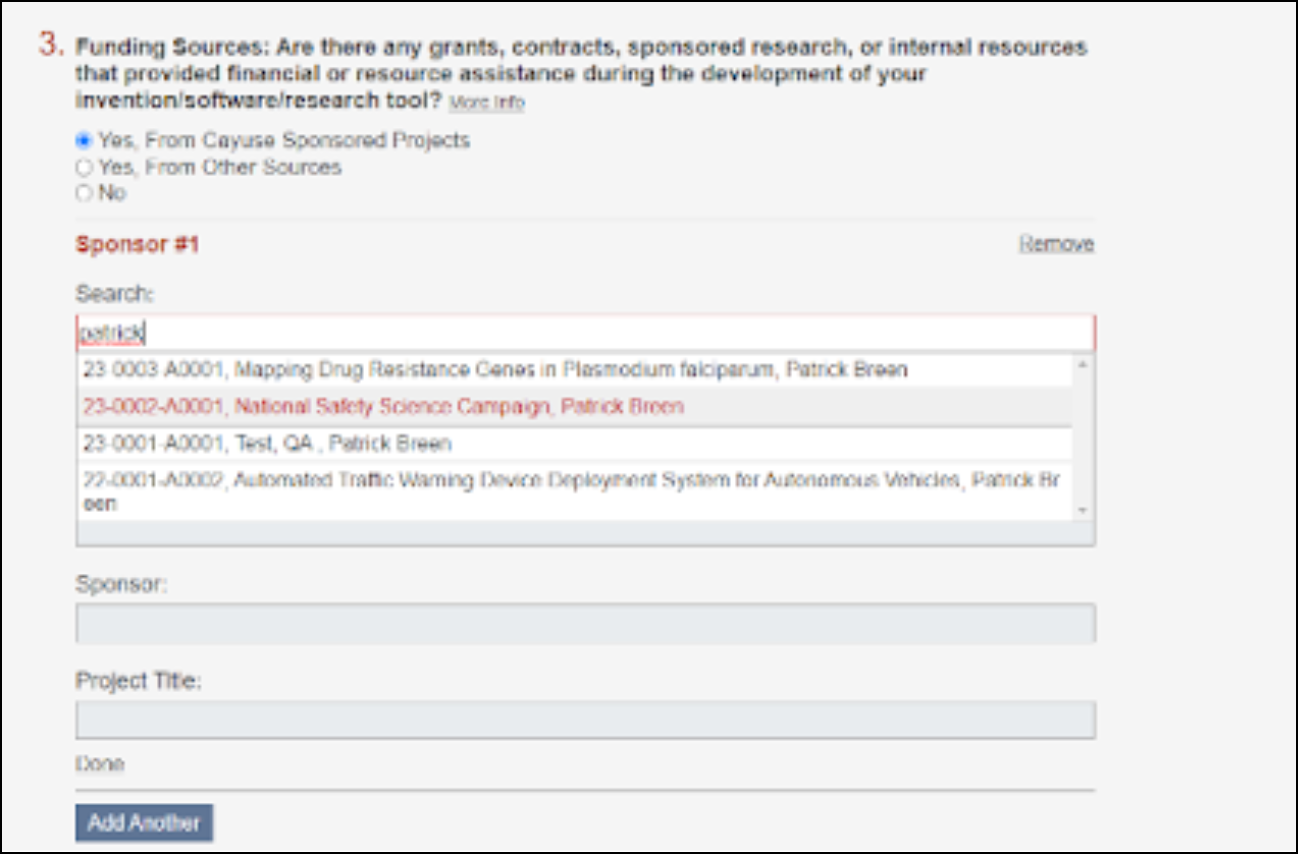
When submitting an invention disclosure form, there is often a need to cross-reference grants, contracts, sponsored research, or internal resources that provided financial or resource assistance during the development of an invention. When using the integration, you can search Sponsored Projects records for sources of funding associated with your new invention. Once selected, the Award number, Award title, sponsor name, and project title will automatically populate form fields within the disclosure form.
After the form has been submitted, validated, and converted into a technology, the information from Sponsored Projects will be tied to technology and agreement records for reporting use.
Additionally, you can add sponsorship manually to technology and/or agreement records. There is a dedicated section within the record details that allows users to search by person or organization name.
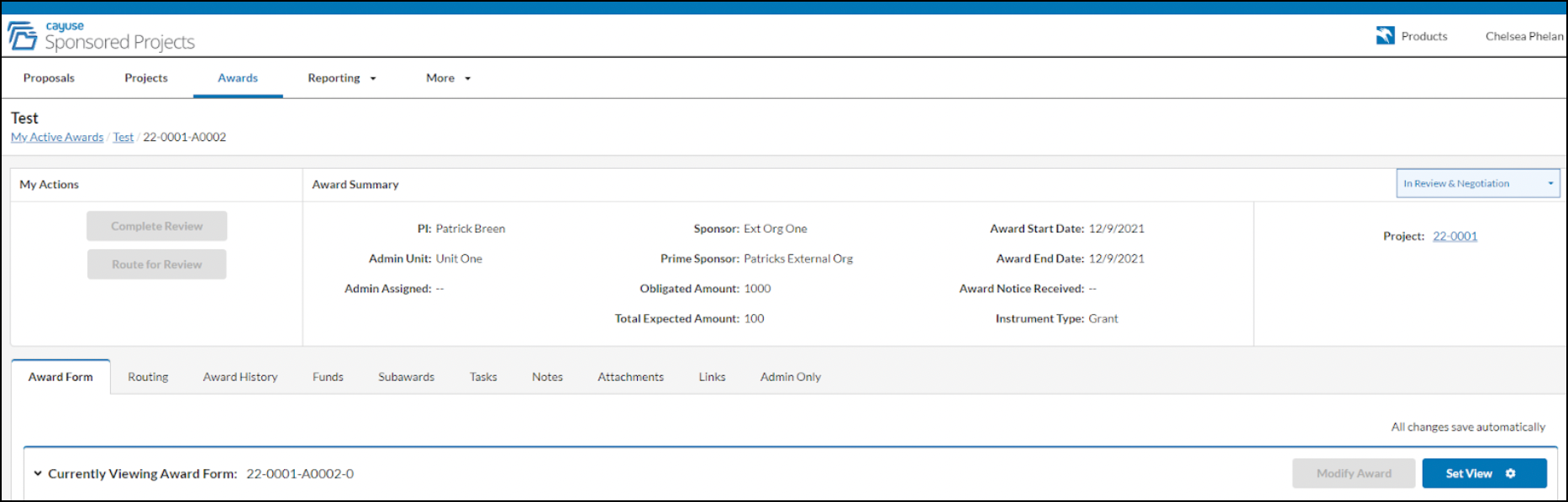
The information displayed for technology records includes:
- Principal Investigator’s name
- Project Title
- Sponsor
- Sponsor Award Number
- Prime Sponsor
- Instrument Type
- Award Start & End Date
- Admin Unit
- Obligated Amount
- Sponsor Type

The information displayed for agreement records includes:
- Award Numbers
- Project Titles
- Sponsors
- Sponsor Award Numbers
- Sponsor Types

Any user with permission to access Sponsored Projects will be able to use the hyperlink in Inventions to view the Sponsored Projects record.
Getting Started
In order to enable the SP integration, please make sure users have the necessary Sponsored Projects and Inventions permissions.
You'll also need to contact your Cayuse representative for help configure your disclosure forms so that they source sponsorship from within the Sponsored Projects application.
Once your forms are configured to utilize the SP integration:
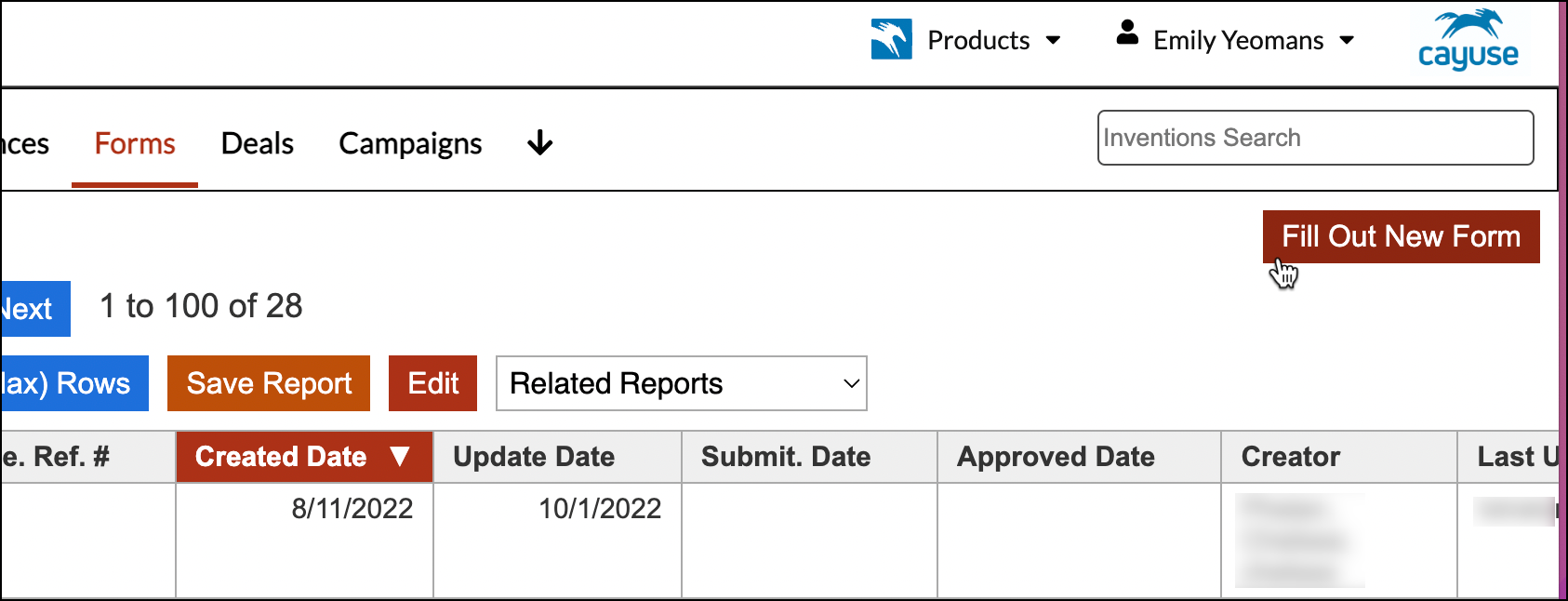
- Click on Forms in the navigation bar.

- From the Forms section, click on Fill out a new form.
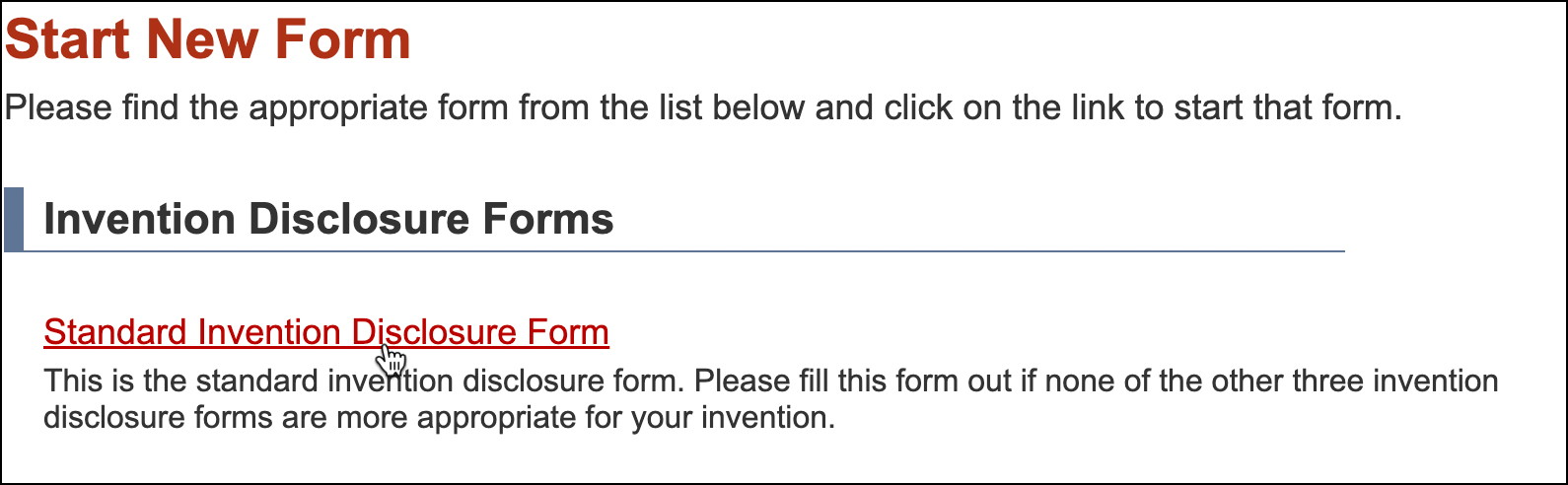
- Click on the appropriate Disclosure Form (it may be different from the Standard Invention Disclosure Form shown below).
- Locate the questions that relate to sponsorship and start typing in the person and/or group you’d like to pull in from Sponsored Projects.
Once the form has been validated and the information is converted into a technology:
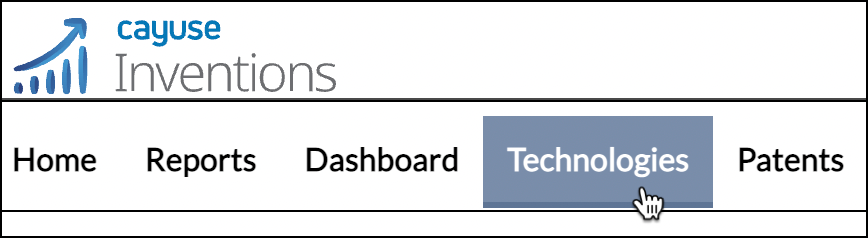
- Click on the Technologies tab in the navigation bar.
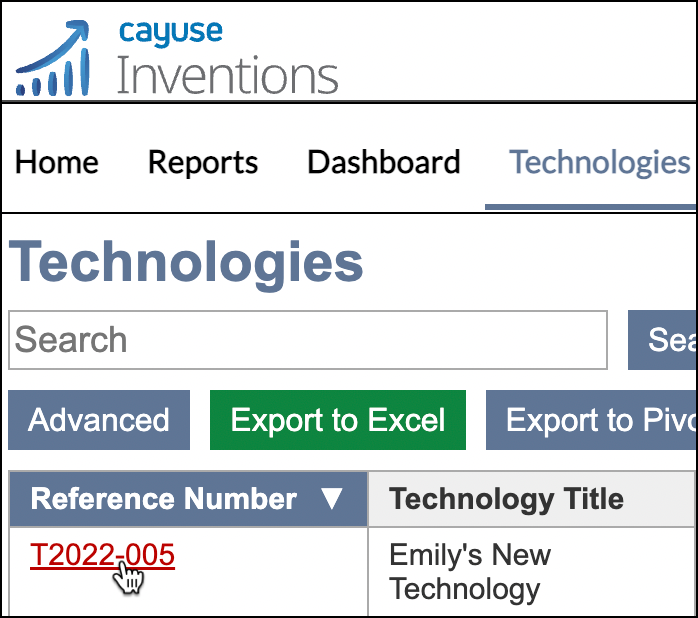
- Locate and click on the technology record.
- Once the record is open, click on the Sponsorship tab below the details section of the technology.
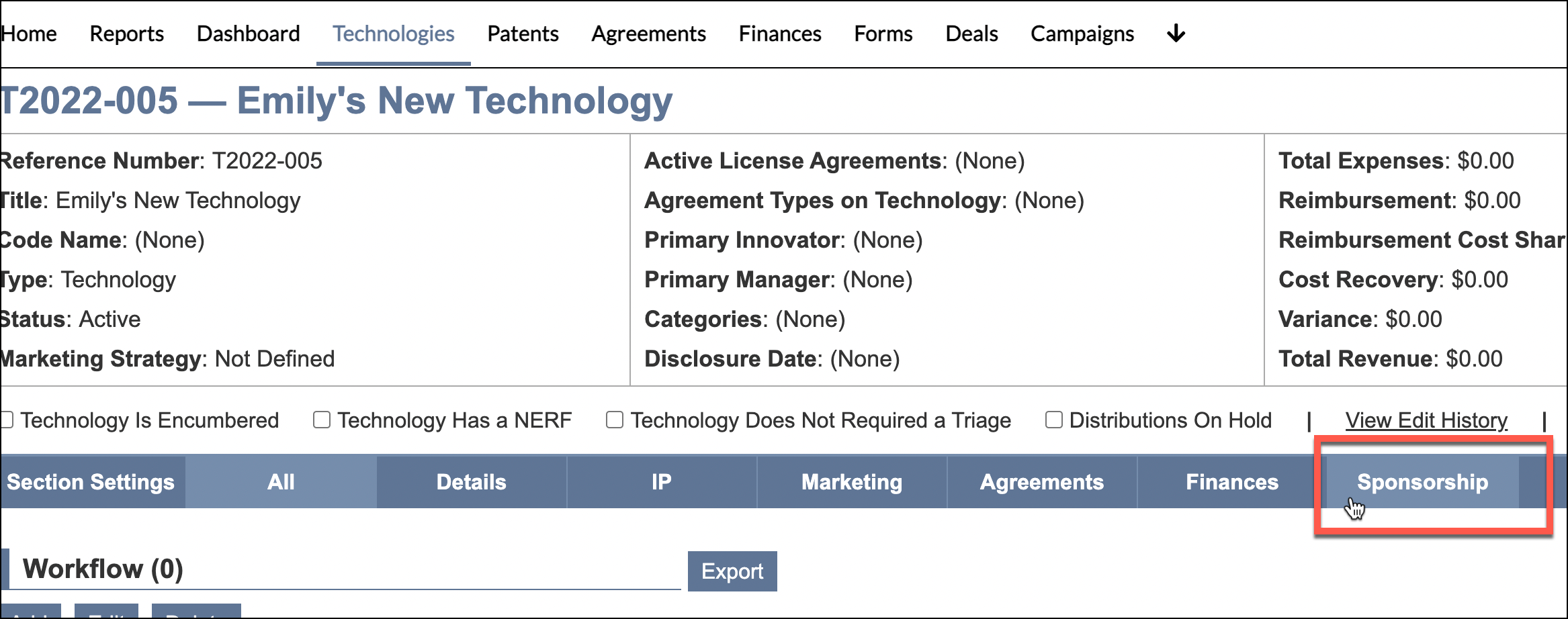
- Locate and click on Sponsors in Cayuse SP.
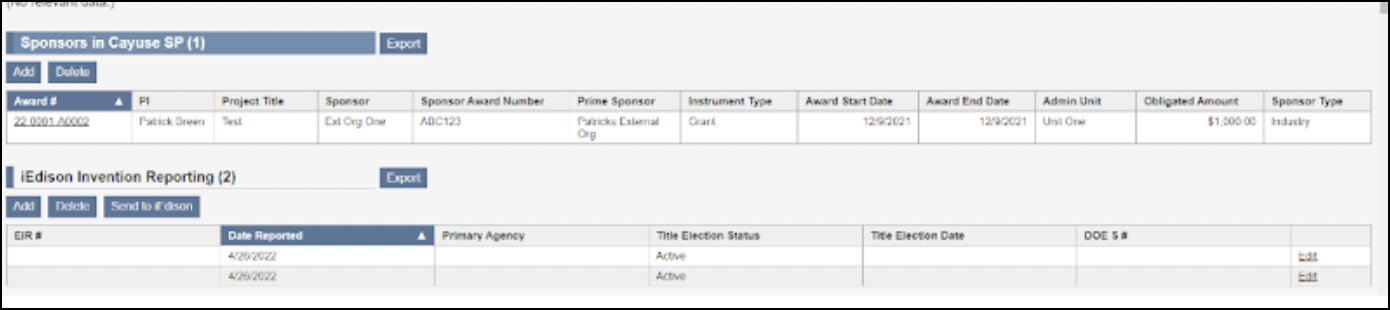
A new tab will open displaying Sponsored Projects My Awards information.
Please note: If the sponsor is also tied to an agreement record, locate and select the agreement record from the Agreements tab in the navigation bar, and repeat step #’s 3 and 4 above.