
To close (end) your study, submit a Study Closure request, also called a closure submission. On the Study Details page, click New Submission → Closure, complete the closure request form, and submit it for review.
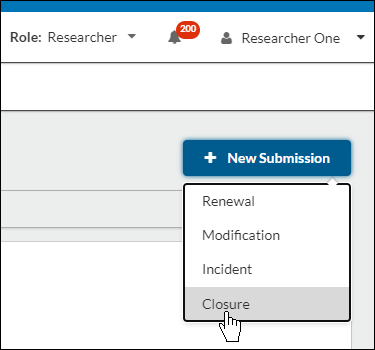
- On the Study Details page of your study, click on New Submission in the top right-hand corner. In the drop-down menu, click Closure.
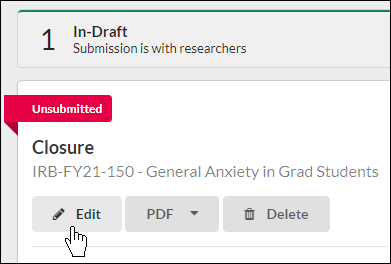
- On the new Submission Details page, click Edit.
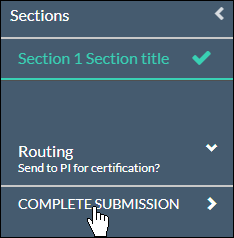
- Fill out the submission form, including all required fields, and click Complete Submission.
Your institution will now need to approve the closure before your study will be marked as closed.